👉 RadioMail 1.x is now RadioMail Classic and is no longer available for new purchases. Learn about the transition to RadioMail 2.0.
How to share and view positions
Add location to messages
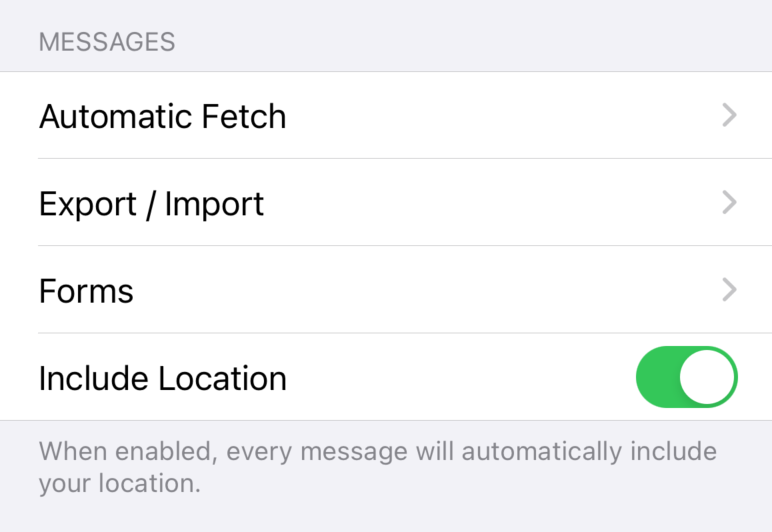
RadioMail can use your current location to automatically populate the location header in your outgoing messages. This is useful for emergency communications, when a forgotten or erroneous location can cause confusion.
By default, your location isn't shared. If you wish to enable this feature, navigate to Settings and turn on 'Include Location' under Messages. Keep in mind that the lat/lon coordinates, embedded in the email headers, are visible to all recipients, including those on the internet.
Map senders location
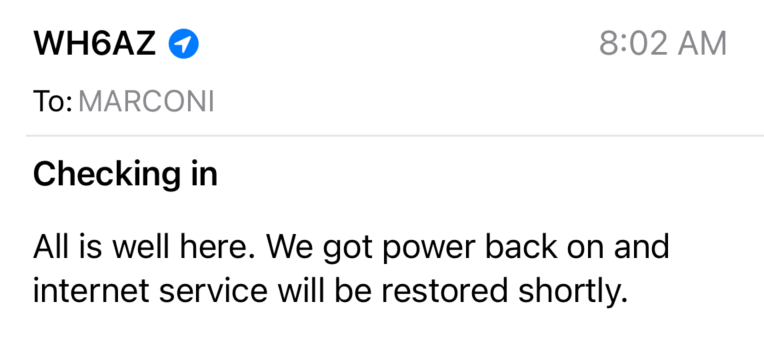
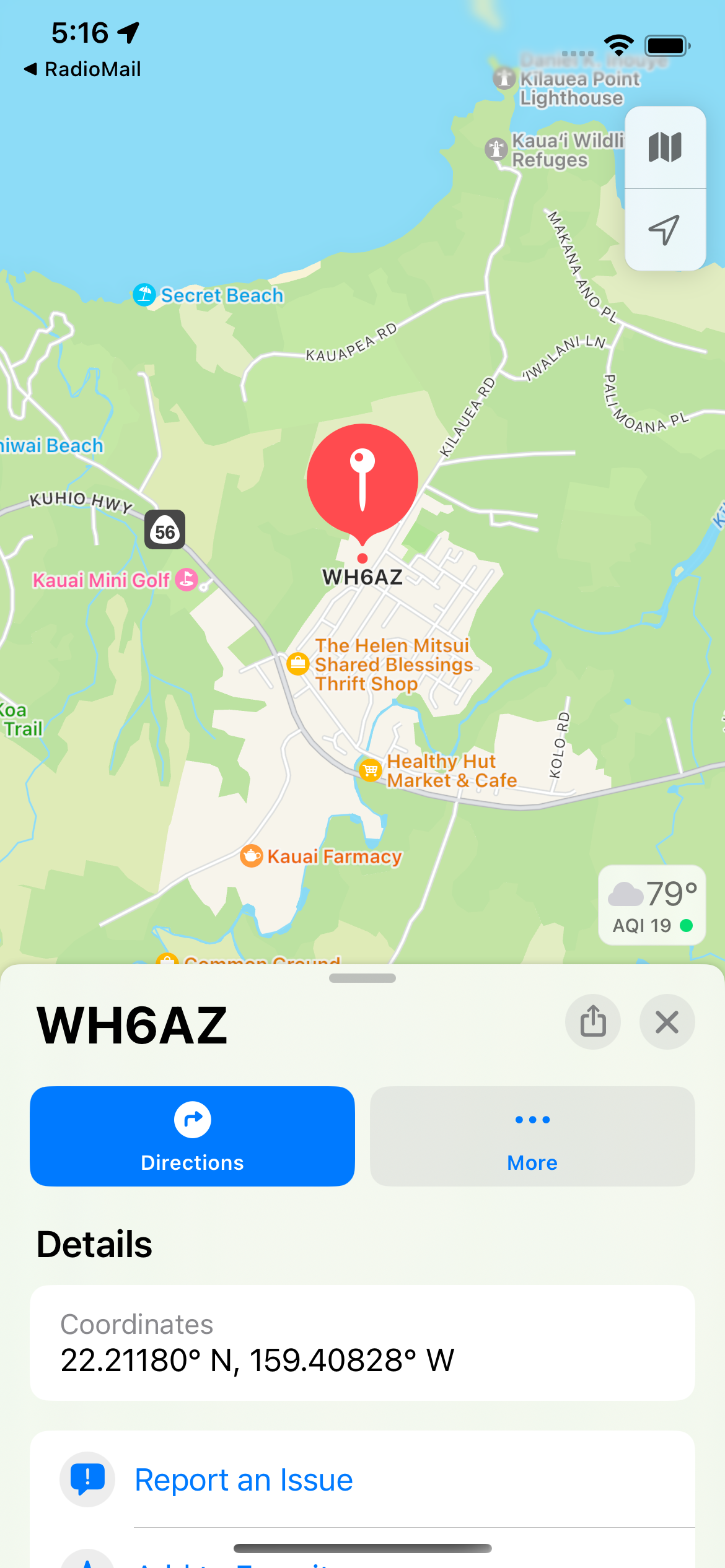
When you receive a message, an icon next to the sender's callsign indicates the presence of location data. Tap it to see the sender's position on a map.
-
 Blue circular icon signifies GPS-sourced data.
-
 Grey circular icon indicates a manually entered lat/lon coordinates, which may not be exact.
-
 Square icon represents a grid square-derived location, providing neighborhood-level precision.
Change location source
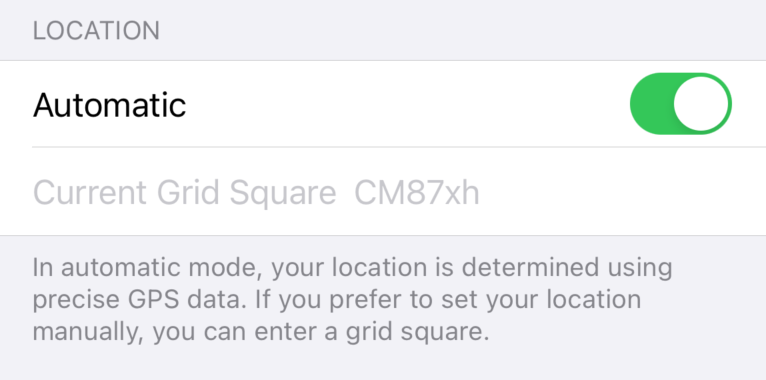
You have control over how your location is determined. By default, it's derived from the phone's GPS. To modify this, go to Settings, turn 'Automatic' under Location off, and manually input a grid square if you prefer.
Create
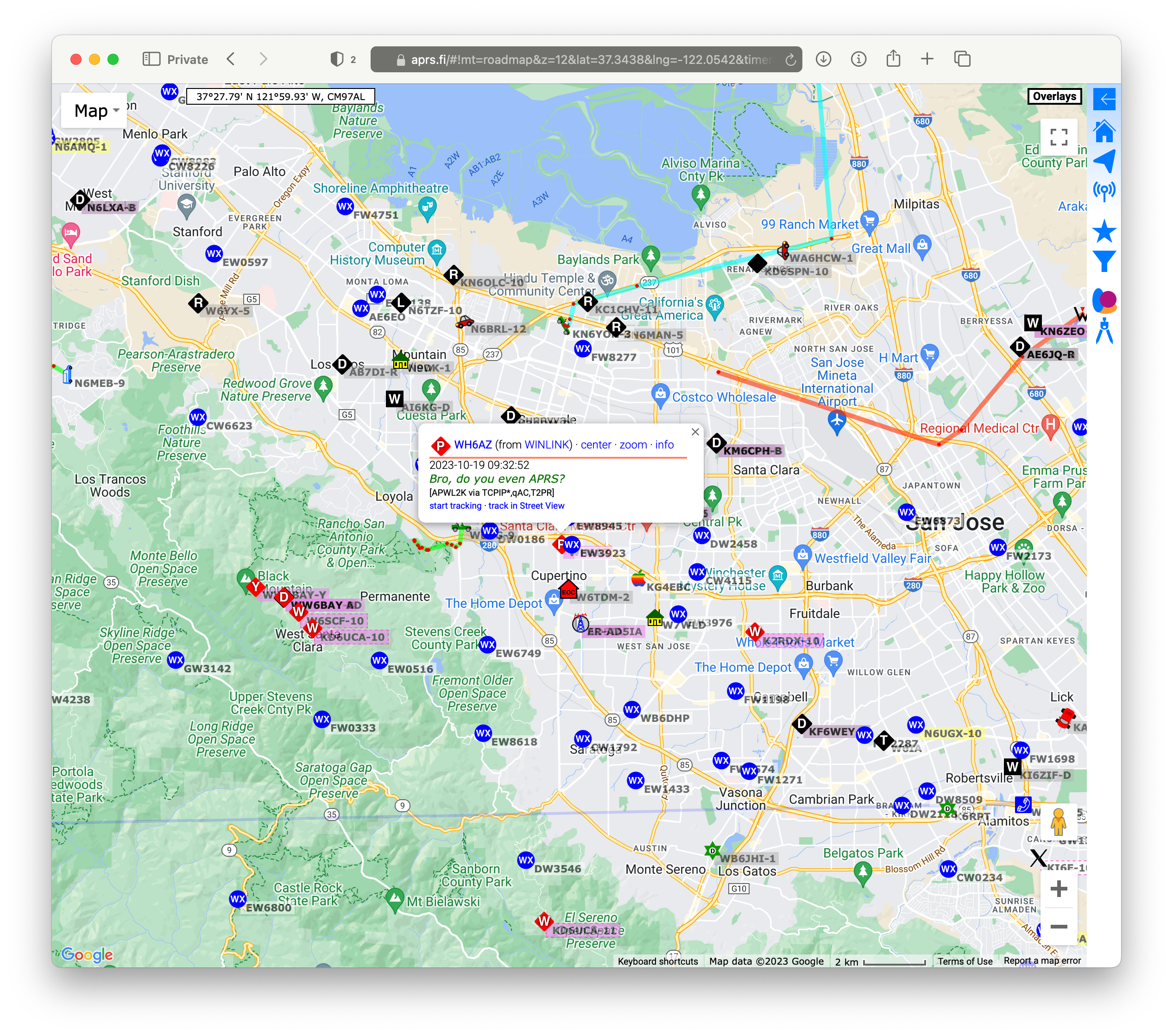
RadioMail can craft special messages that will send your position to the APRS network.
To create a position report, follow these steps:
-
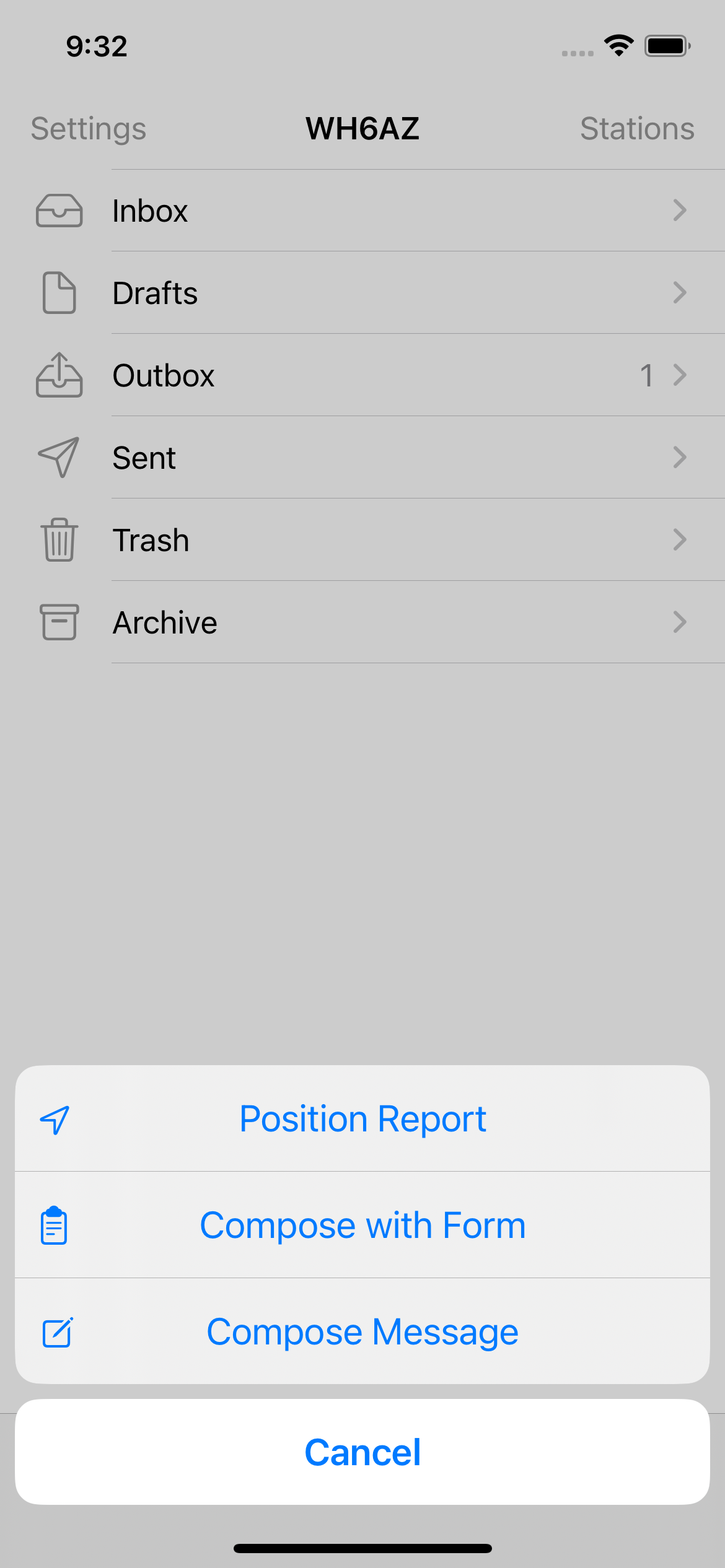
Open the RadioMail app and tap and hold Compose
 in the lower right corner.
-
A menu will appear. Select the "Position Report" option
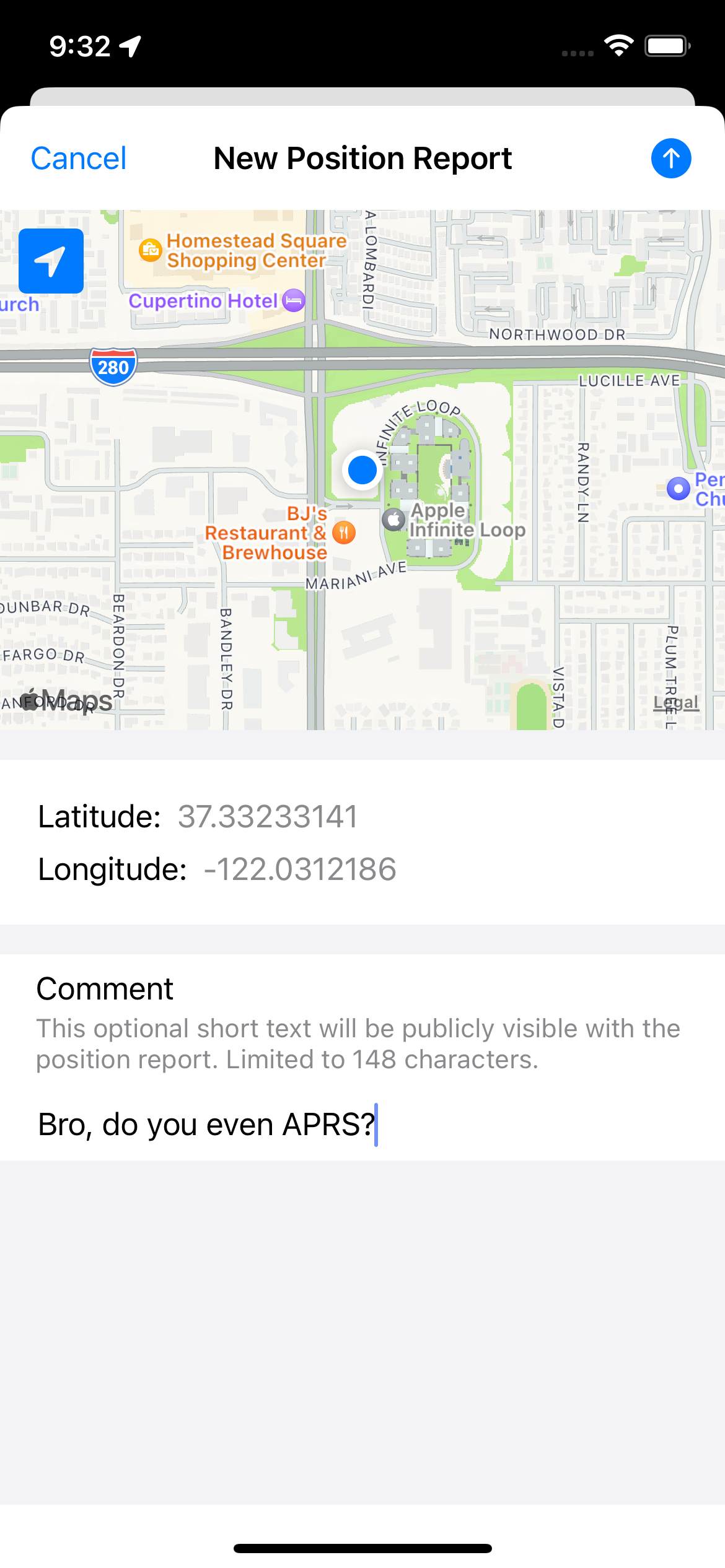
- Your latitude and longitude is automatically determined from the phone's GPS
-
Enter an optional comment.
-
When you're ready to send your position, tap Send
 in the top right corner.
Position reports are posted to the APRS network and public for all to see.