👉 RadioMail 1.x is now RadioMail Classic and is no longer available for new purchases. Learn about the transition to RadioMail 2.0.
RadioMail 1.x (Classic) and the path to 2.0
The current version of RadioMail is now called RadioMail Classic. It is no longer available for new purchase, but existing customers can continue using it and re-download it in the future. RadioMail 2.0 is a separate, completely new app. If you’d like to try it now, you can join the beta on TestFlight.
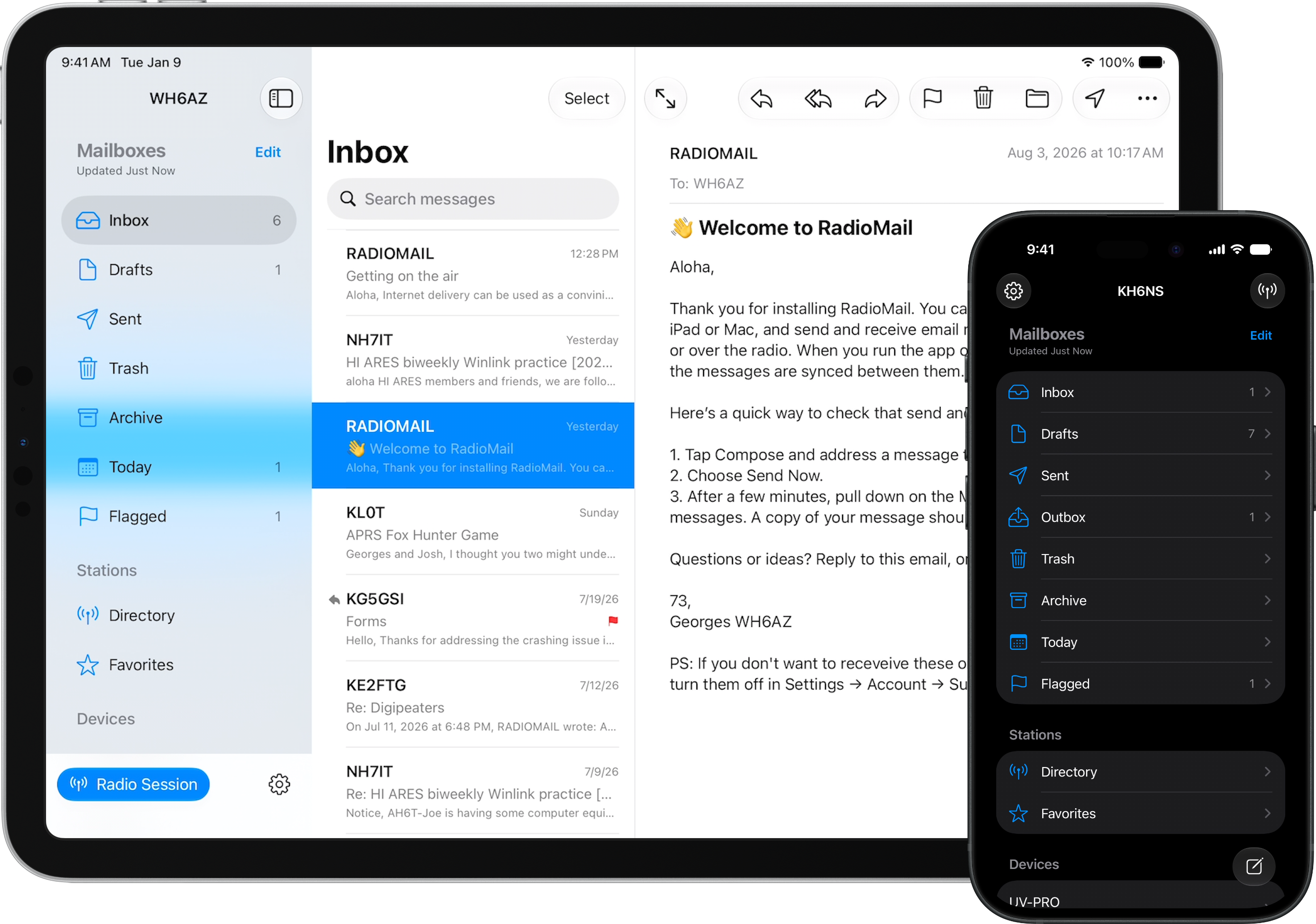
RadioMail 2.0 has been built from the ground up around everything I've learned over the past few years. The goal is still the same: provide the best native Winlink experience for portable operations on iPhone and iPad. If experimenting and reporting issues isn't your thing, no problem. You're better off waiting for the release version to arrive on the App Store.
Why is 2.0 a new app?
RadioMail 2.0 is being released as a separate app rather than an update to RadioMail Classic. The scope of the changes made this the right time for a clean break from the original codebase and a stronger foundation for future development. It also allows RadioMail 2.0 to simplify or retire features without taking anything away from people who prefer to keep using RadioMail Classic.
Setting up RadioMail 2.0 only takes a few minutes. If you’ve used RadioMail Classic before, your Winlink account information will be pre-populated. You can also import your existing email into RadioMail 2.0. Before setting up 2.0, simply export your email from RadioMail Classic, and import them when prompted or at any time after that.
What happens to RadioMail Classic?
RadioMail Classic is no longer available for new purchases. If you’ve previously purchased it, you can continue using it and re-download it on your devices when needed. To help distinguish it from RadioMail 2.0, RadioMail Classic now uses the black icon by default. You can change the icon in Settings > About if you prefeer another color.
What happens to my Forms subscription?
Existing Forms subscriptions will stop renewing automatically at the end of their current subscription period. When your subscription ends, you’ll keep access to Forms permanently at no additional charge.
If you’re using a version older than 1.6.2 and want to continue using forms, update to the latest version available on the App Store. If you can’t upgrade to 1.6.2 and your forms subscription has expired, contact me .
Do I need to move to 2.0?
No. You can keep using RadioMail Classic for as long as it works for you. Moving to RadioMail 2.0 is optional. Keep in mind however that RadioMail Classic will no longer receive new features or regular bug fixes, and future iOS releases may eventually introduce compatibility issues.
What happens when 2.0 is released?
If you purchased RadioMail Classic recently, you’ll receive an extended trial period to explore RadioMail 2.0 before deciding whether to upgrade. Pricing and other upgrade details are still being finalized and will be announced closer to launch.
Questions?
Prefer to talk it through? Drop me a note .